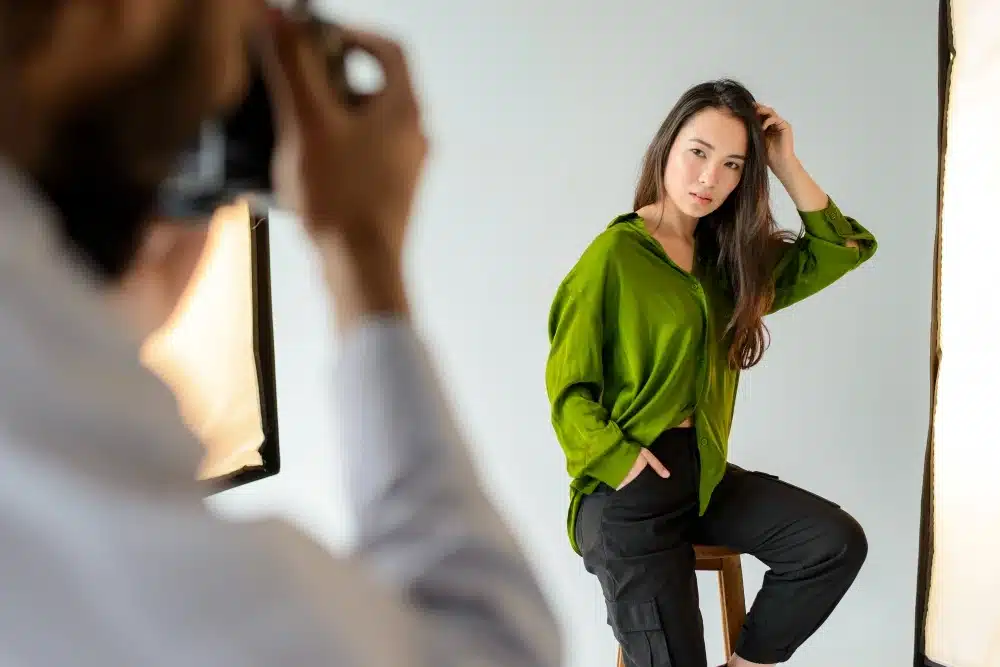
Two photos taken minutes apart can make the same person look surprisingly different. The reason is usually not the body itself, but the combination of camera distance, lens position, posture, clothing, and light. Understanding these factors makes it easier to take flattering photos before you even think about retouching.
If the shot is already strong but a few details still feel off, an app to edit body can help refine the image without making it look unrealistic. The best results come from correcting specific distractions while keeping natural proportions, posture, and texture.
Start With Camera Distance
A phone held too close can exaggerate whatever is nearest to the lens. In a full-body shot, this may make legs, hips, shoulders, or feet appear larger depending on the camera position. Step back and crop the image later if needed. This usually creates more balanced proportions.
Lens height matters too. A camera around waist or chest level often works well for full-body photos because it avoids the extreme stretching that can happen from very low or very high angles.
Use Pose to Create Shape Naturally
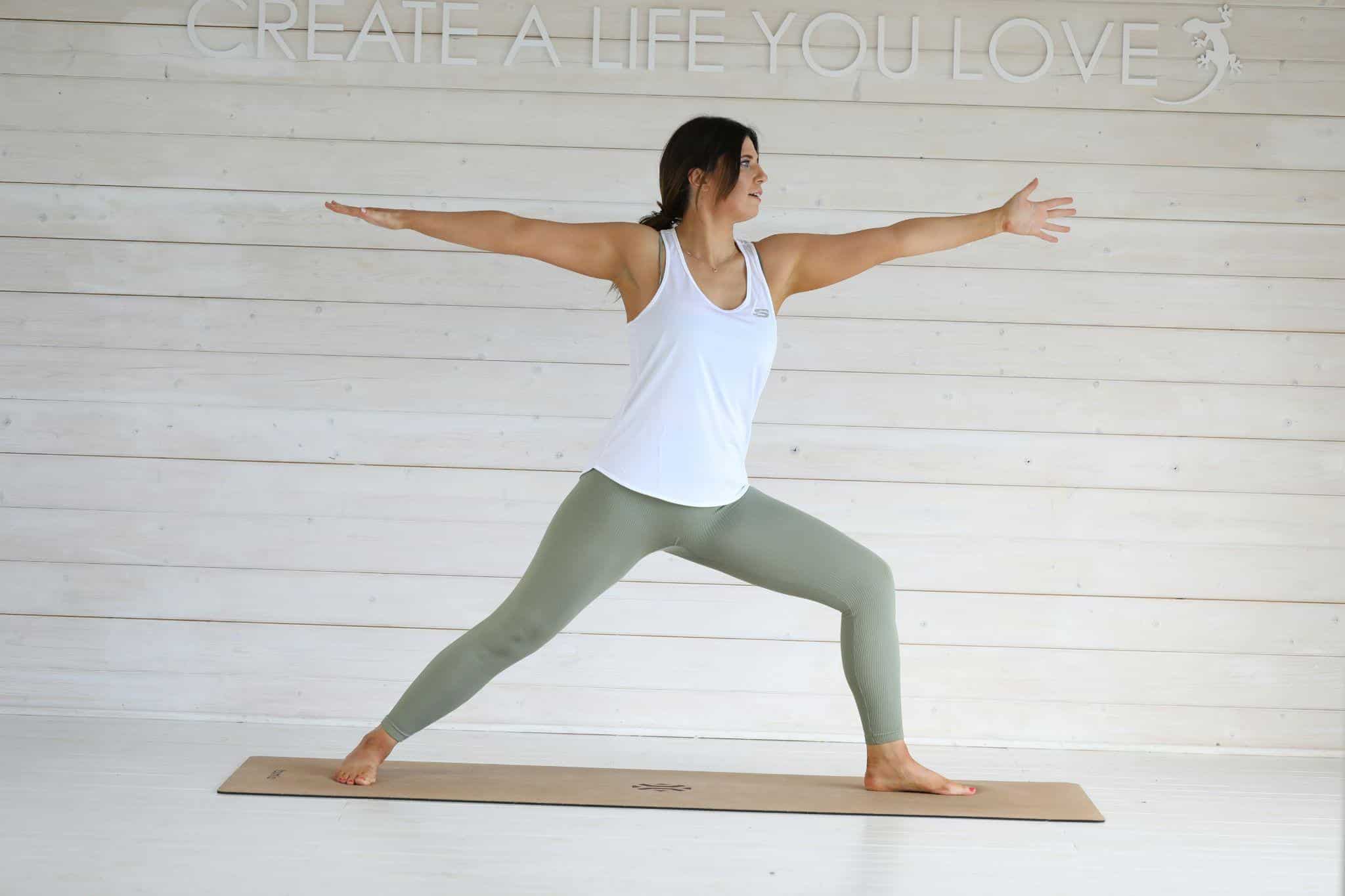
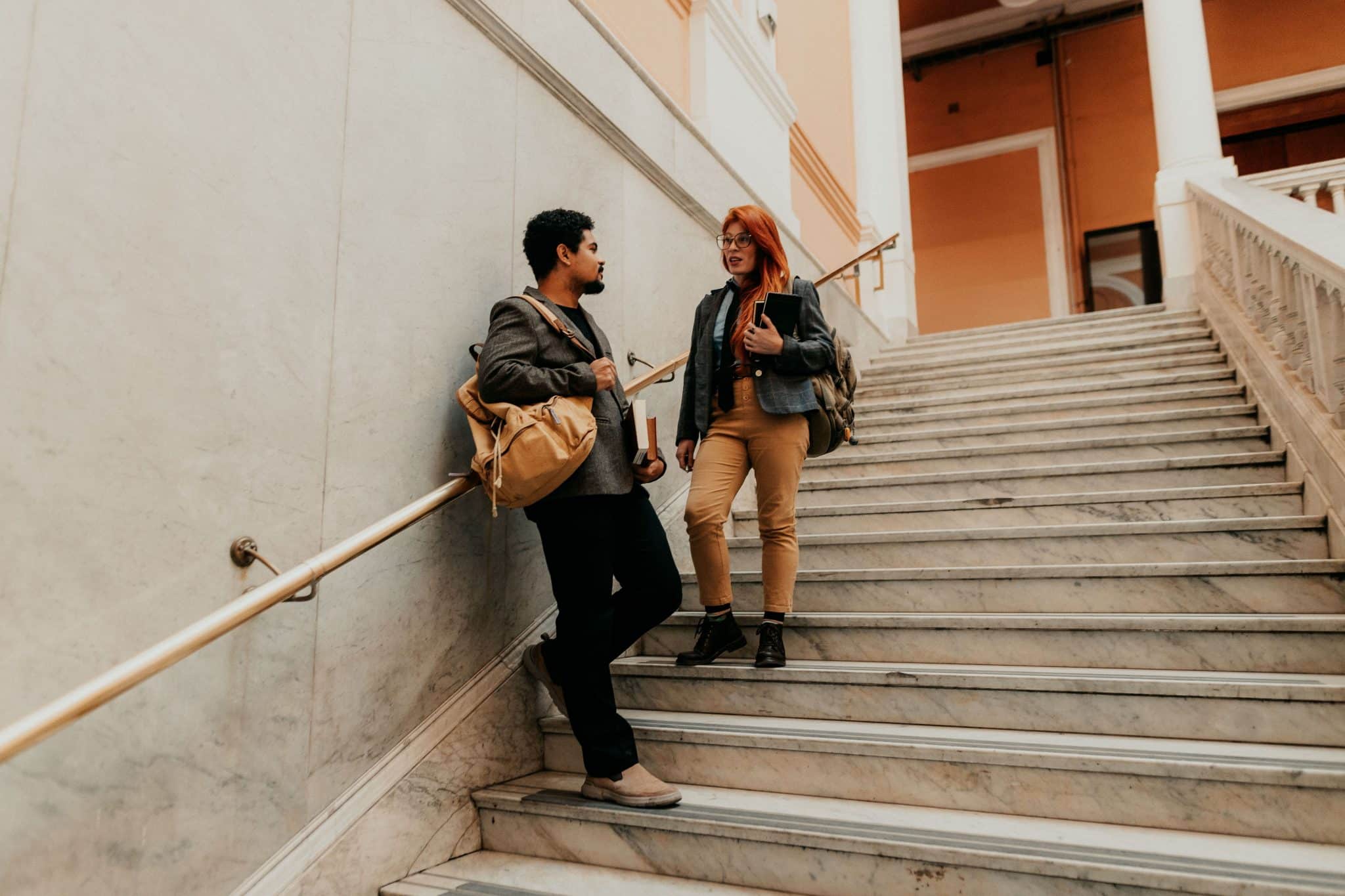
Pose changes how the body reads in two dimensions. Small adjustments can make a bigger difference than heavy editing. Instead of standing square to the camera, turn slightly and shift your weight onto one leg.
Try a few simple tricks:
-
keep some space between your arms and torso;
-
lengthen your posture without stiffening your shoulders;
-
place one foot slightly forward;
-
avoid pressing your limbs tightly against your body;
-
turn your hips or shoulders a little.
These adjustments create cleaner lines and reduce visual compression.
Light Can Change More Than You Expect
Harsh overhead light can create deep shadows and make body contours look stronger than they are. Soft daylight, open shade, or light coming from the side usually gives a more balanced result.
Check the background too. Door frames, walls, and furniture can make a normal photo look distorted if the camera is tilted. Keeping the phone level helps preserve realistic proportions.
Know When Editing Helps
Editing is most useful when the photo already works but one or two details distract from it. You might smooth a clothing crease, correct a small asymmetry caused by posture, or refine a contour that looks awkward because of the angle.
Avoid making several major changes at once. Compare the edited version with the original at normal viewing size. If the body starts to look disconnected from the pose, clothing, or background, the correction has probably gone too far.
A flattering body photo starts with distance, angle, posture, and light. Editing works best as the finishing step, not the starting point. When the original shot is strong and the corrections are selective, the image looks polished while still feeling believable.