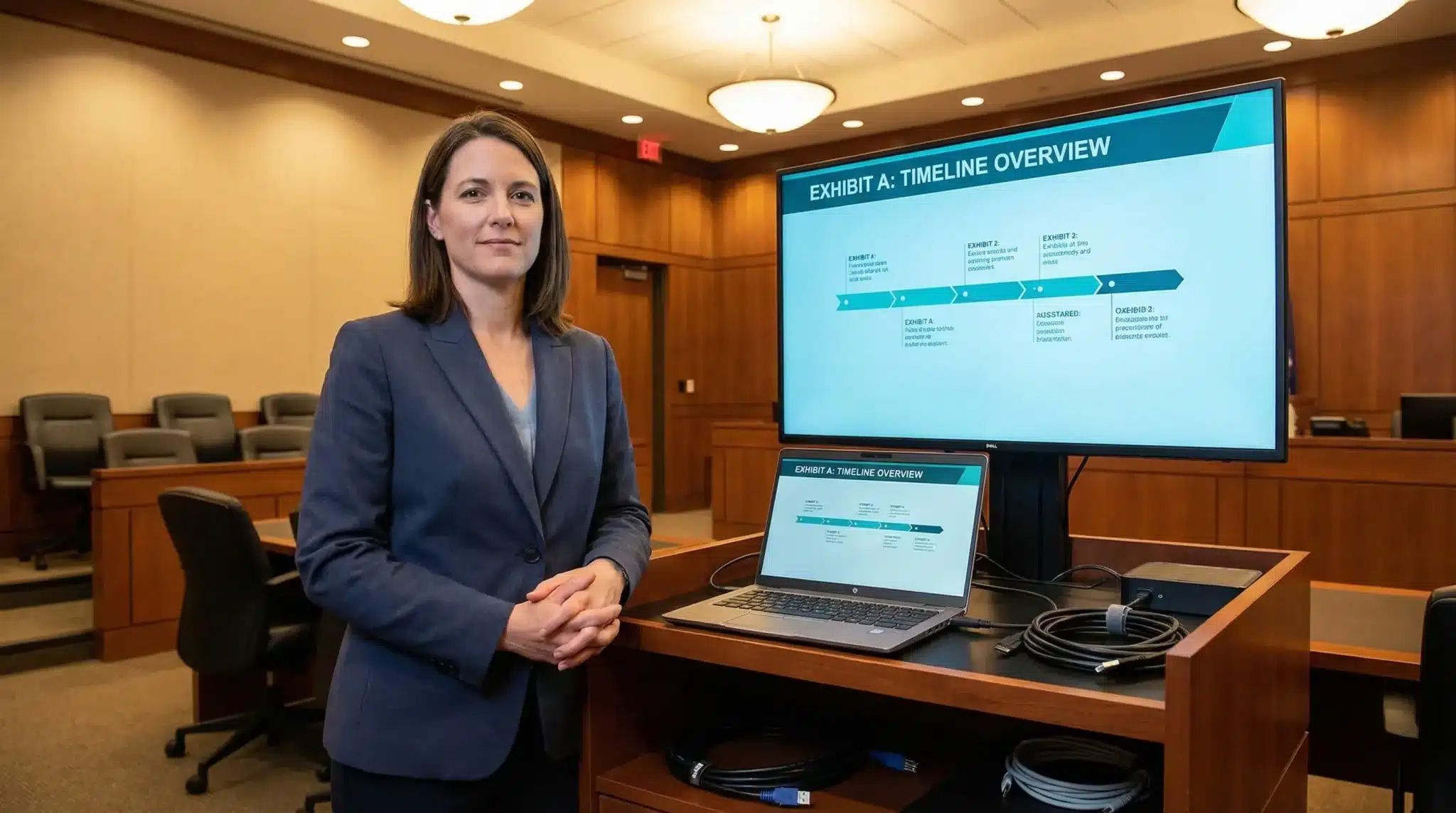
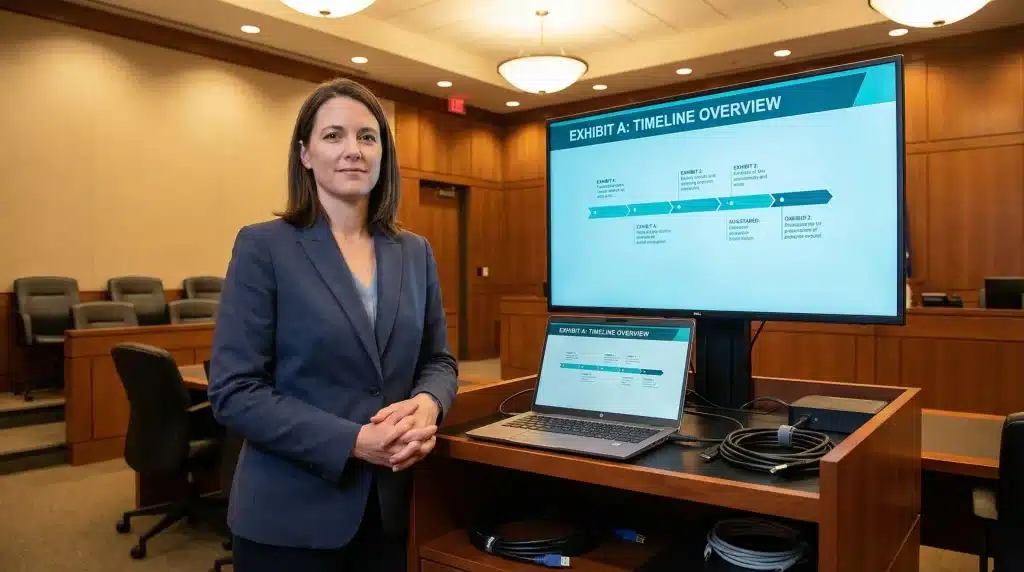
Technology in the courtroom should make your case stronger, not make your team sweat. But too many law firms treat courtroom technology prep as an afterthought. They show up with untested laptops, tangled cables, and no backup plan. Then something fails, and the jury watches them scramble. That is avoidable. A clear prep process keeps the focus where it belongs: on the case.
Plan Your Trial Presentation Setup Early
Do not wait until the week before trial to figure out what gear you need. Your trial presentation setup depends on the courtroom, the judge’s rules, and the type of evidence you plan to show.
Check Courtroom AV Rules and Equipment
Every courtroom is different. Some have built-in monitors and evidence cameras. Others give you a podium and nothing else. Call the clerk or court manager early to ask what is available. Find out where the power outlets are, what cables you can use, and whether the court supplies a projector or screen. Get this information in writing if you can.
Match Your Tools to Your Evidence
If your case relies on documents and photos, a simple screen share may be enough. If you need to play video evidence or walk through a timeline, you will need software that can handle media without lag. Choose your presentation tools based on what the evidence demands, not what looks impressive.
Build an Exhibit Management System That Works Under Pressure
Fumbling through files in front of a jury kills your rhythm and your credibility. Your exhibit management system should let anyone on the team pull up the right document in seconds.
Organize Exhibits by Order of Use
Label every exhibit with a clear naming system. Then arrange them in the order you plan to present them. Create a master list that maps each exhibit to the witness and the topic it supports. This list becomes your roadmap for the entire trial.
Test Every File Format Before Court
A PDF that opens fine on your office laptop may not work on the courtroom system. Test every file on the exact hardware you plan to use. Check that images render clearly, that videos play with sound, and that large files do not lag. Do this days before trial, not the morning of.
Get Courtroom Audio and Video Evidence Right
Judges and jurors have little patience for playback problems. If you plan to use courtroom audio or video evidence, you need to prep it with extra care.
Edit Clips to the Relevant Segments
Do not play a full 40-minute deposition when you only need three minutes. Cut your clips to the exact segments you plan to use. Label each clip with the witness name, the topic, and the timestamp from the original recording. This saves time and keeps the jury engaged.
Confirm Sound Levels in the Room
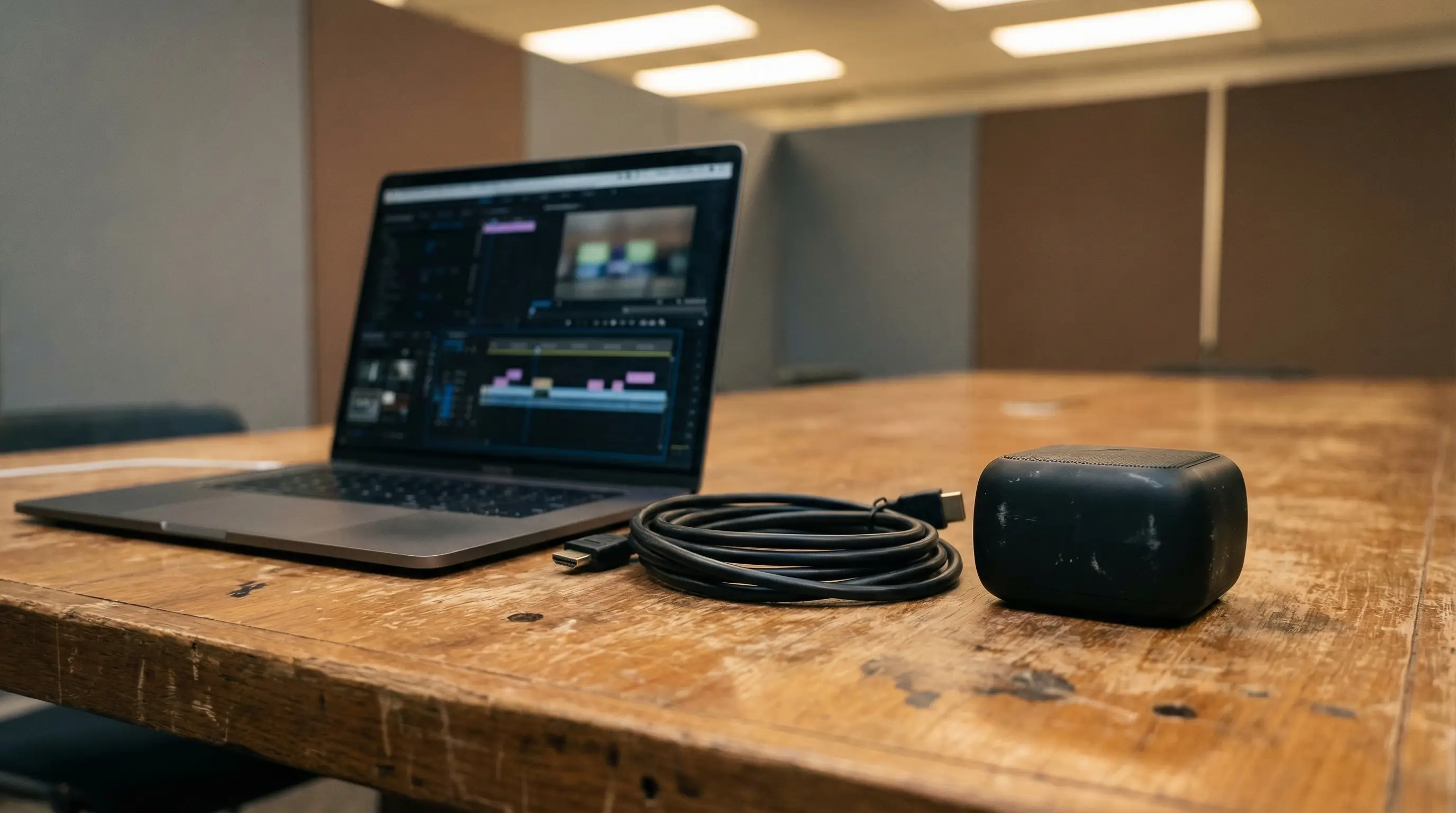
Audio that sounds fine on your laptop may be too quiet in a large courtroom. If the room has a sound system, test your clips through it. If it does not, bring a portable speaker and test it at the distance the jury will sit. Firms that work with a trial support services provider often handle this step during their tech rehearsal, which saves time on trial day.
Run a Full Tech Rehearsal Before Trial Day
A tech rehearsal is not optional. It is the single best way to catch problems before they show up in front of a judge and jury.
Simulate the Real Presentation Flow
Set up your gear the way you plan to use it in court. Run through your opening, your key exhibits, and your video clips in order. Have someone sit where the jury will sit and confirm they can see and hear everything clearly. Time the transitions between exhibits so you know where the slow points are.
Test Every Person Who Will Touch the Equipment
The attorney presenting is not always the person running the laptop. Make sure whoever is handling the tech knows the software, the file structure, and the order of exhibits. A five-minute walkthrough with that person can prevent a very public mistake.
Prepare a Presentation Backup for Everything
Hardware fails. Software crashes. Files corrupt. Your court logistics plan needs a backup layer for each of these.
Carry Duplicate Files on Separate Devices
Save your full exhibit set on at least two devices. A laptop and a USB drive is the bare minimum. A second laptop loaded and ready to go is better. Keep both devices in separate bags in case one gets lost or damaged on the way to court.
Print Key Exhibits as a Last Resort Option
If all your tech goes down, printed copies keep your case moving. You do not need to print everything. Focus on your top ten exhibits and any document you plan to publish to the jury. Having paper in your bag is cheap insurance against a total tech failure. No one wants to use it, but the team that packs it never panics.