Three smart office tech upgrades for effortless workflows include swapping aging PCs for pre-configured refurbished desktops, deploying tablet-based service stations with secure POS mounts, and reorganizing workspace layouts.
These targeted improvements address common small business pain points like slow hardware and cluttered reception areas. By focusing on high-impact, low-effort changes, companies can modernize their operations immediately without a massive budget.
Walk through any small office, and you’ll spot the same culprits: ancient PCs wheezing through boot-up and customers waiting in line. You’re not alone; research shows many SMBs run hardware more than four years old due to perceived lack of time.
The good news is that modernizing does not require a six-figure IT budget. The following upgrades fix the most common pain points with minimal cost and downtime.
1. Swap Slow PCs for Refurbished Desktops
Nothing sabotages productivity faster than employees waiting on frozen screens or slow boots. Legacy PCs often lack critical security updates, exposing the entire network to risk.
Manufacturing a single new laptop requires substantial resources, including over 190,000 liters of water for extraction and production, approximately 1,200kg of earth’s resources mined, and results in around 331kg of CO2 emissions.
The most efficient solution is to opt for enterprise-grade systems that have been professionally refurbished. Repurposing devices contributes to sustainability in the refurbished PC market, which is growing due to high new hardware costs from memory shortages, and helps reduce electronic waste, with users keeping devices longer.
For SMBs that need proven hardware without the sticker shock, a catalog of certified refurbished desktop computers from PCLiquidations can serve as a one-stop shop. These models often come already imaged with Windows 11 Pro for immediate use.
The EPA’s Electronics Environmental Benefits Calculator (EEBC) estimates environmental and cost savings, such as from energy efficiency, reuse, recycling, and extending the life of electronics like computers and monitors, based on user-entered data for purchasing, use, and end-of-life management.
This approach extends hardware life and keeps e-waste out of landfills. A simple inventory audit can identify which workstations need immediate replacement.
|
Key Insight: Opting for enterprise-grade refurbished units typically delivers 40–60% cost savings versus new hardware while allowing for predictable budgeting through fixed-price SKUs, all without sacrificing performance. |
|---|
2. Deploy Tablet-Based Service Stations with Secure POS Mounts
Bottlenecks at checkout and cluttered reception desks create unnecessary friction for customers. A single aging cash register often signals a long wait during peak hours. Mounting tablets in purpose-built stands turns any counter or kiosk into a digital service station.
This setup offers robust security through metal enclosures that deter theft. When evaluating hardware, look for adjustable tablet POS stand mounts from VidaBox that lock down devices. These mounts allow staff to tilt, swivel, or remove the tablet for signature capture when needed.
Choose the enclosure model that best fits your space, whether it is a countertop swivel, wall mount, or floor stand. Configure your applications for kiosk mode to keep users focused on specific tasks. A quick training session with staff ensures they can assist customers confidently.
|
Pro Tip: Utilize Power-over-Ethernet (PoE) for your tablet installations. This delivers both reliable data and power through a single hidden cable, eliminating cord clutter and maintaining a sleek, professional aesthetic at your service counters. |
|---|
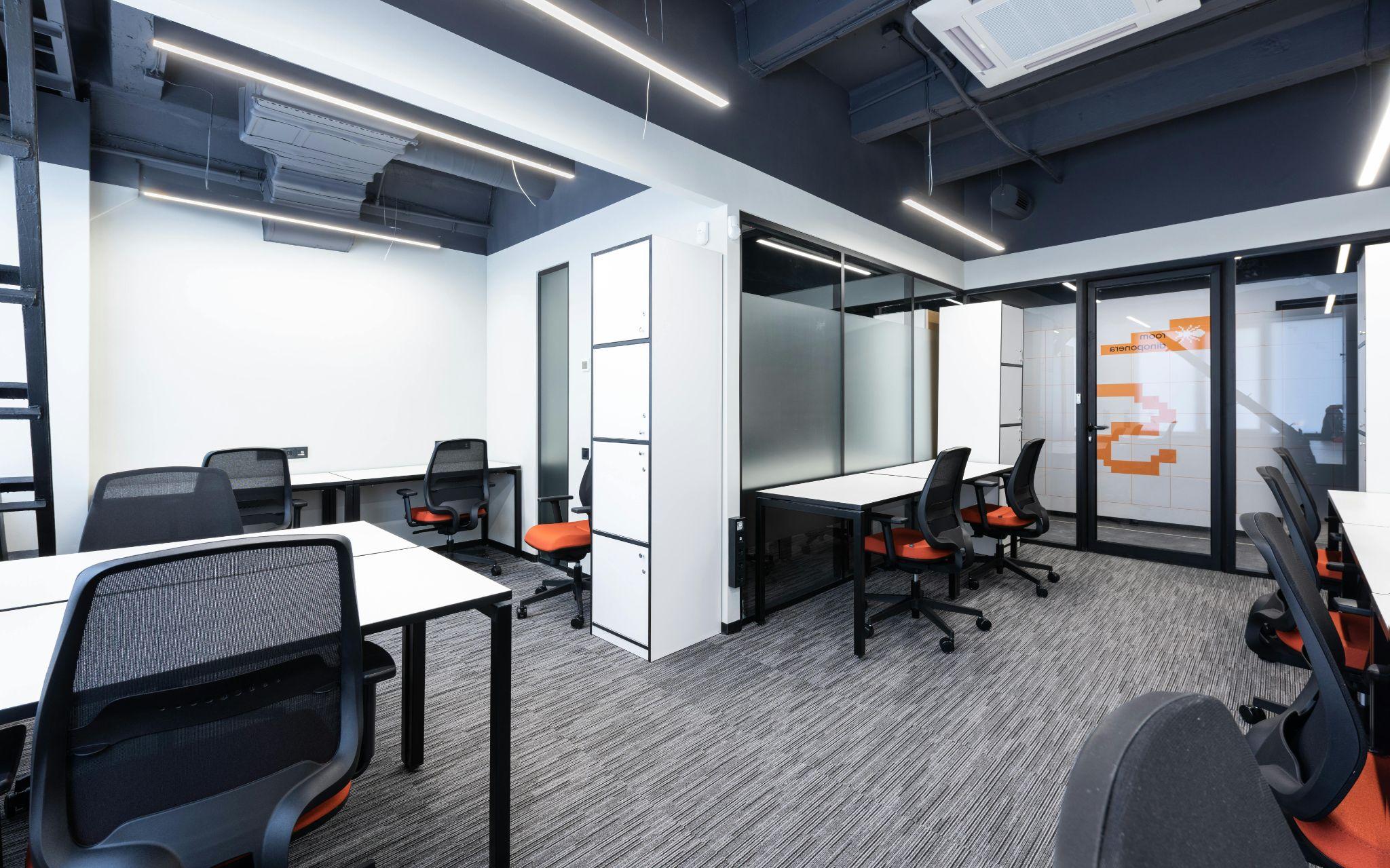
3. Re-Organize Your Workspace for Peak Efficiency

Image from PCLiquidations
Alt text: Modern minimalist home office workspace.
Even the fastest PC cannot help if employees waste time detouring around stacked boxes or dealing with messy cables.
Blocked walkways and lost productivity due to physical disorganization silently erode profit. Treat the office like a production line by straightening pathways and centralizing printers.
Organized spaces result in fewer trip hazards and faster foot traffic. It simplifies IT troubleshooting when there are no mystery cables or mislabeled Ethernet ports. Labeling both ends of every cable and photographing the setup helps maintain order long-term.
|
Important: Don’t underestimate physical bottlenecks. Blocked walkways and “cable spaghetti” aren’t just eyesores; they create trip hazards and complicate IT troubleshooting, silently eroding billable hours through daily micro-delays. |
|---|
The Bottom Line
Office technology upgrades don’t have to break the bank or ruin weekend plans. By replacing only what’s broken and decluttering the workspace, businesses can lift productivity quickly. Start with whichever pain point causes the most daily friction. Small changes often yield the biggest impact without requiring a marathon IT overhaul.